Arena Setup Walkthrough
An arena is built with a short sequence of /ss arena … commands run in the world,
standing where each location should be. The chat confirms every step.
-
Create the arena. Pick a unique id (here,
test)./ss arena create test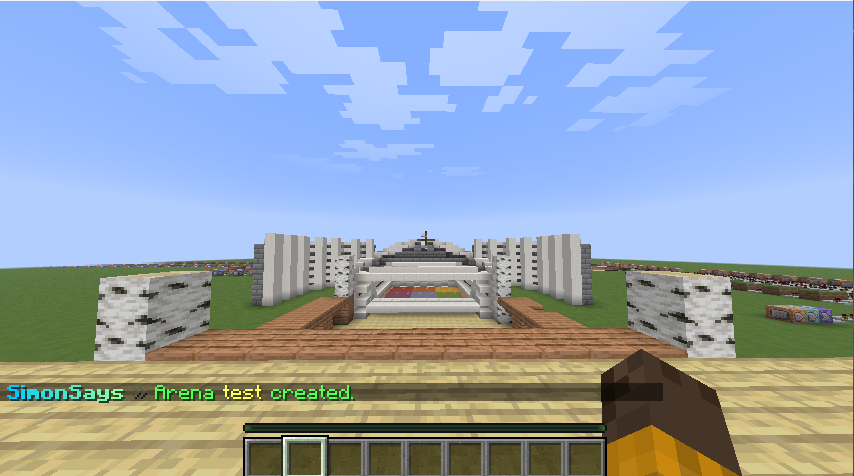
-
Set the main spawn — where players are sent on join and when they leave. Stand on the spot and run:
/ss arena setspawn test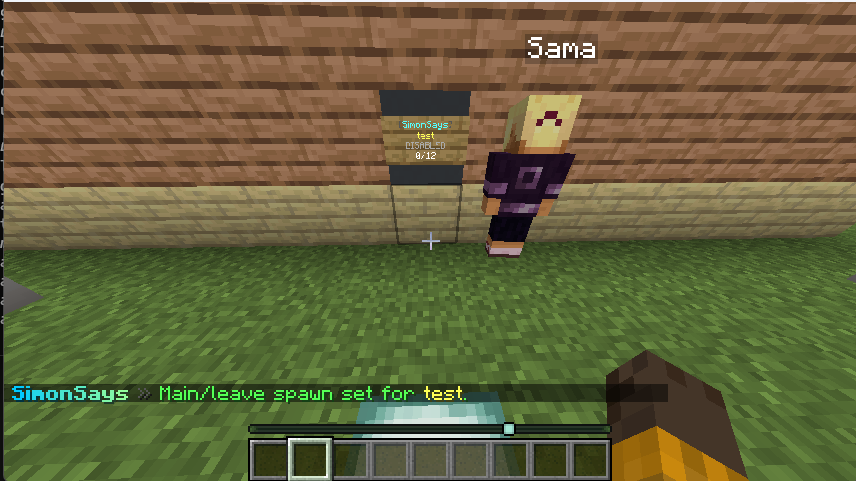
-
Set the waiting lobby — where players wait before the match starts.
/ss arena setlobby test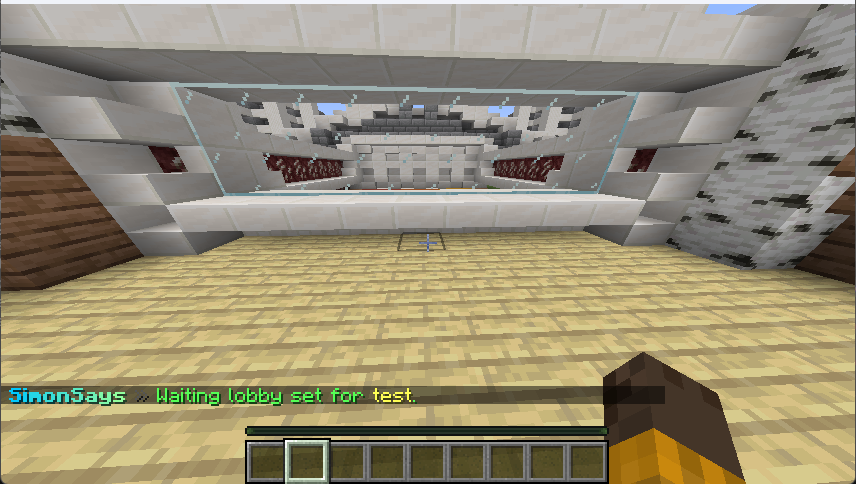
-
Set the game spawn — where players are teleported when the game begins.
/ss arena setgame test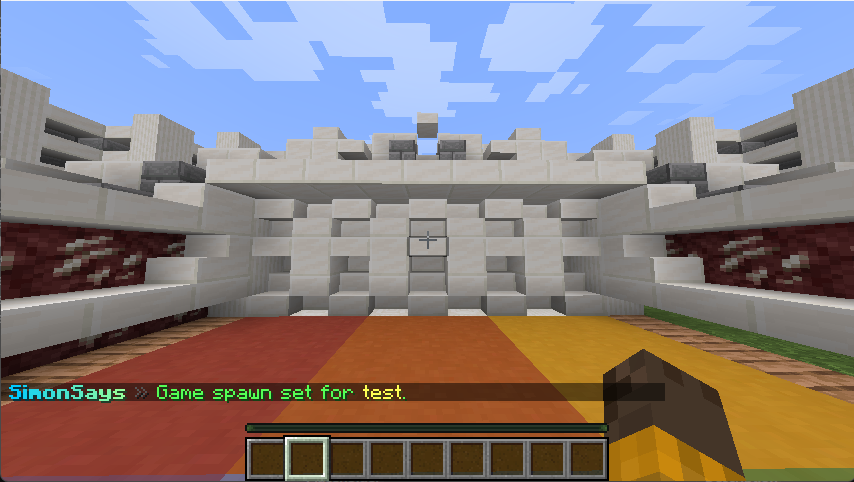
-
Set the spectator spawn — where eliminated players watch from.
/ss arena setspectator test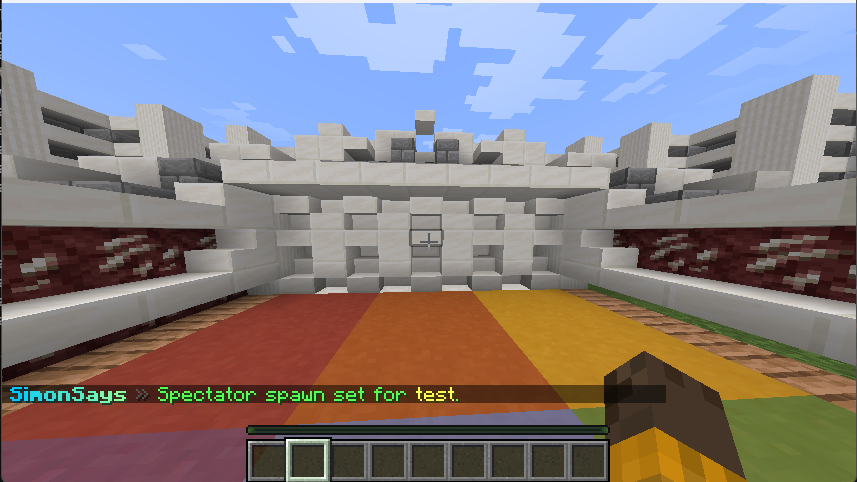
-
Set the center and radius. Stand in the middle of the play area; the radius (in blocks) bounds it.
/ss arena setcenter test 40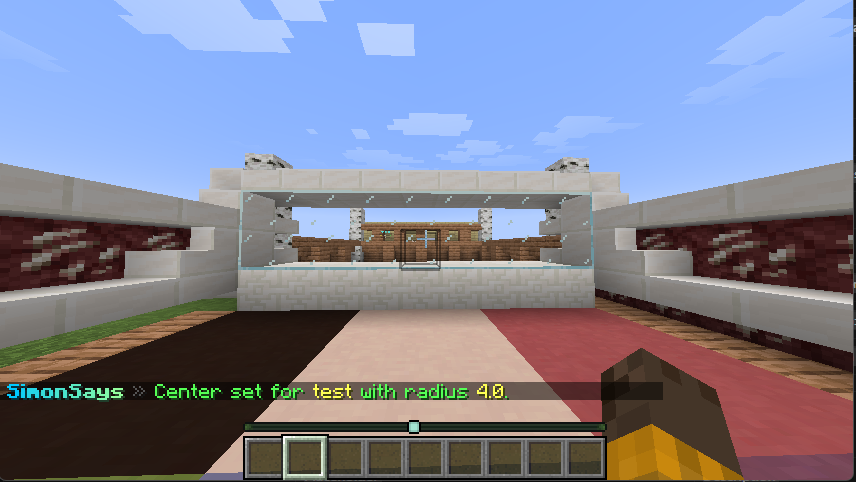
-
Mark the color-floor region — corner 1. Stand on one corner of the floor that changes colors.
/ss arena setfloor test pos1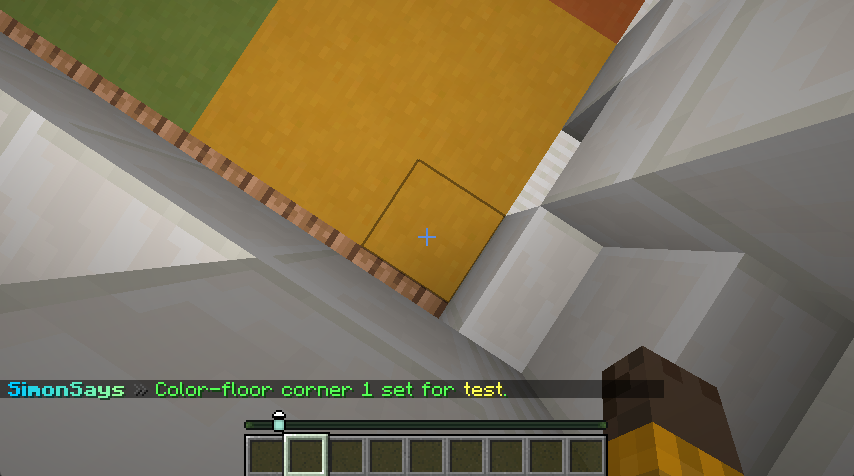
-
Mark the color-floor region — corner 2. Stand on the opposite corner. The region is complete once both are set.
/ss arena setfloor test pos2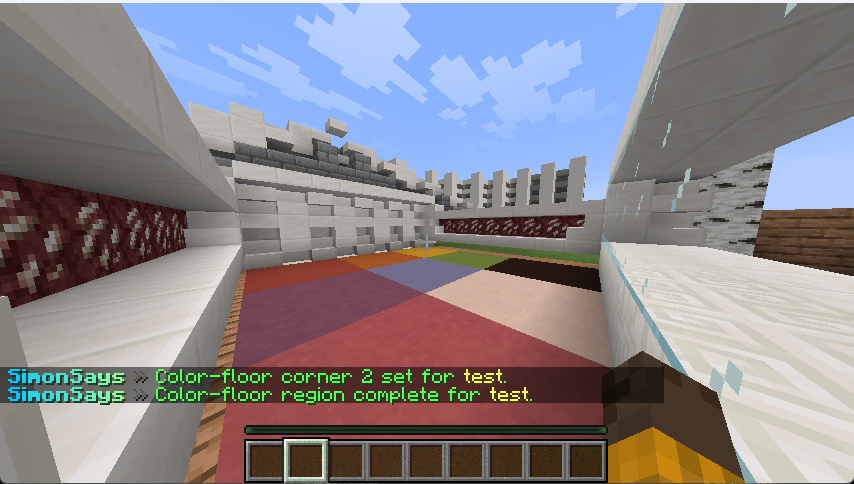
-
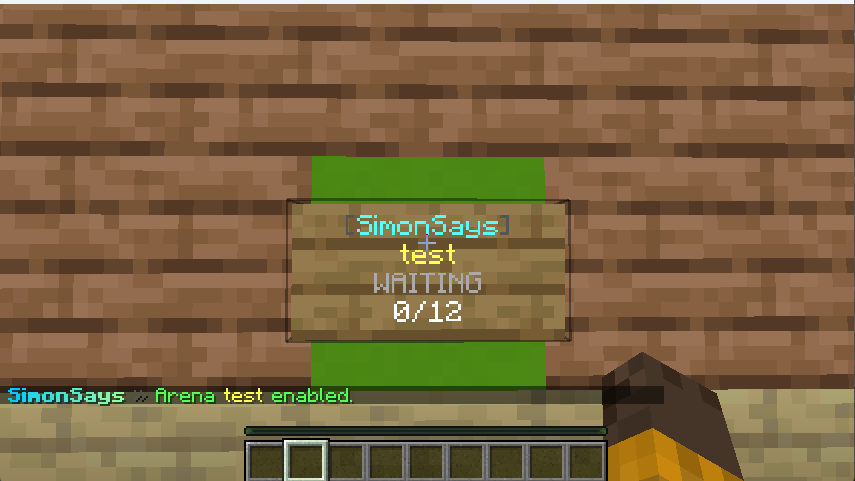
Enable the arena. It becomes joinable immediately.
/ss arena enable test